
Screenshots



Social Media
Description
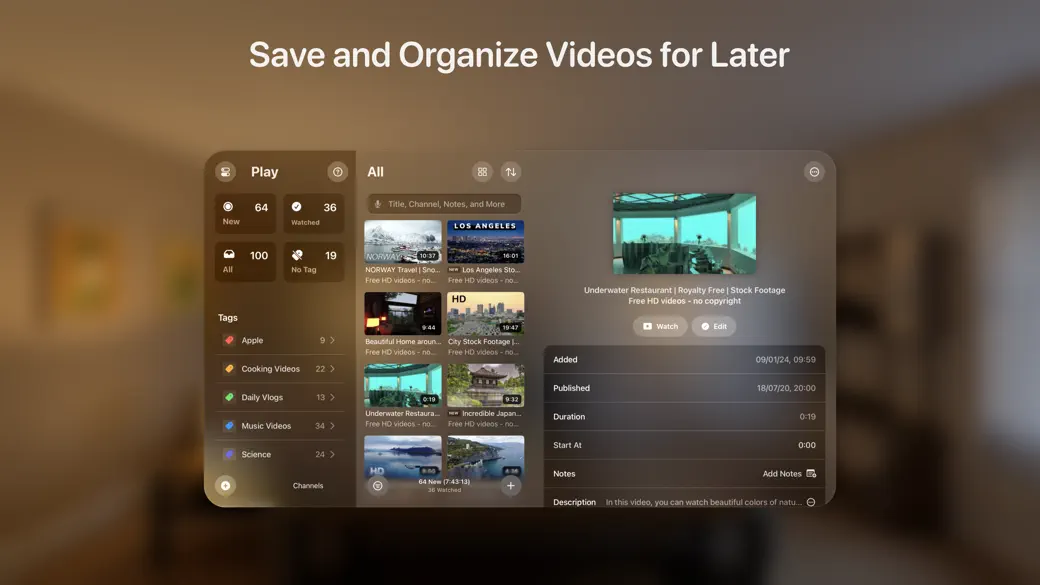
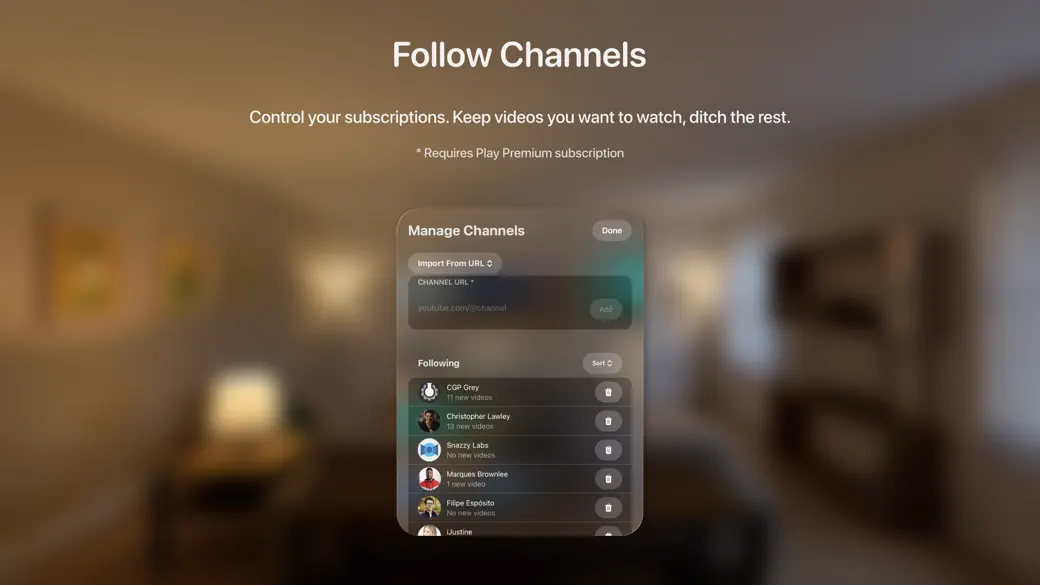
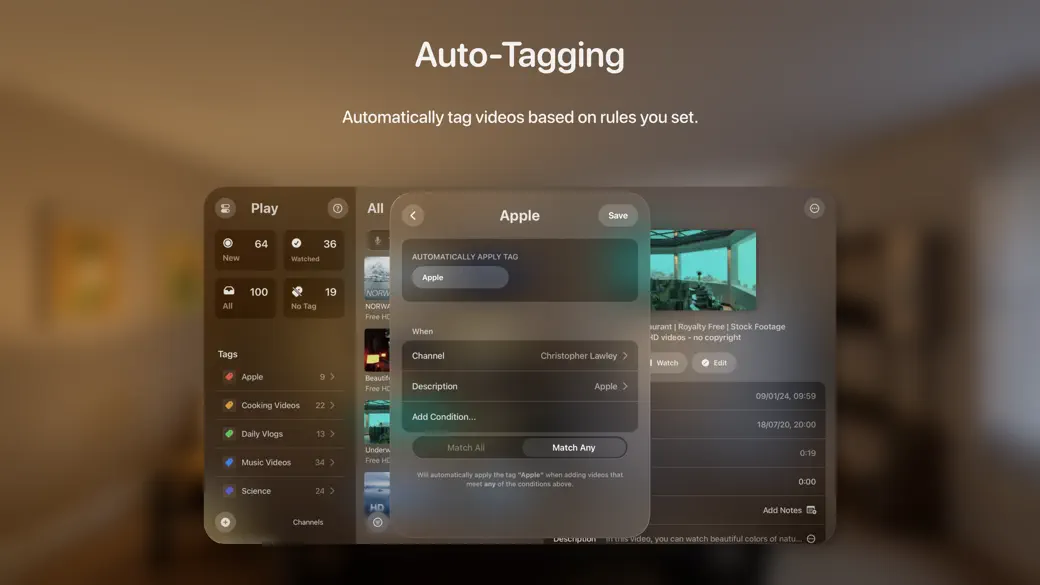
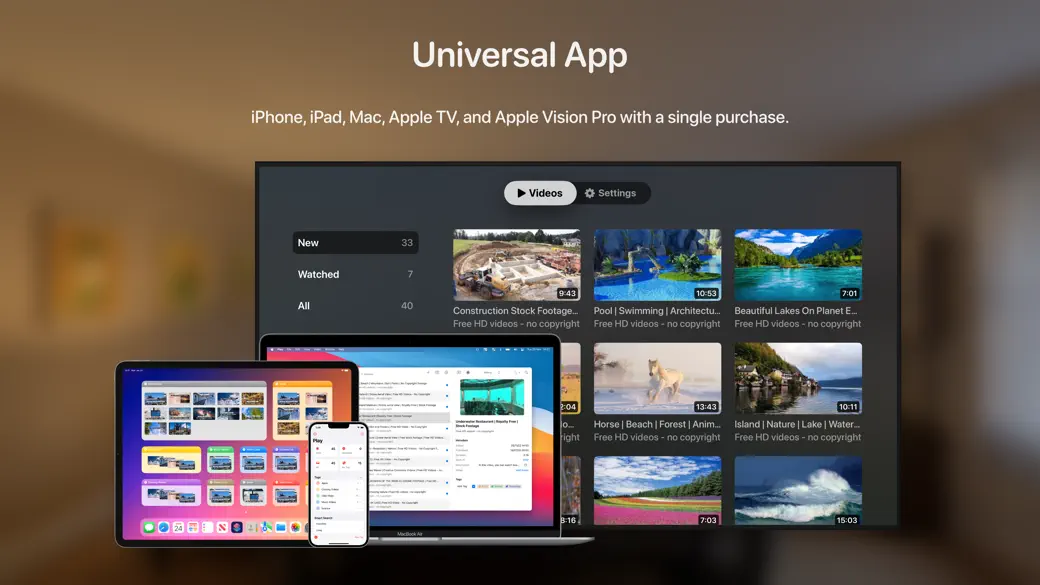
Your hub for bookmarking and organizing videos, following favorite channels, and watching with powerful customizations. Critically acclaimed by The Verge, Daring Fireball, 9to5Mac, MacStories, Mac Power Users, iMore, AppAdvice, and more. The Verge: “This is so much better than trying to manage a library in the YouTube app” Daring Fireball: “I queue videos from my Mac and iPhone, then watch them later on my TV” MacStories: “Play is an excellent example of how purpose-built apps often outshine more general solutions” AppAdvice: “Play is easy to use and synced across all of your Apple devices” iMore: “You’ll never want to use YouTube’s 'Watch Later' function again” ■ MacStories Selects 2024: Readers’ Choice Award ■ MacStories Selects 2024: Best New Feature Add videos from any app or website. Watch supported videos in-app for a streamlined experience. Organize them with tags, add notes, assign a star rating, and more. Follow channels and playlists to get new videos as they’re released*. Organize your channels into folders and configure per-channel filters. Play is very customizable, allowing you to pick your own layout, tint color, and more. iCloud keeps your database up-to-date on your iPhone, iPad, Mac, Apple TV, and Apple Vision Pro. You can even add and customize Interactive Widgets to quickly view and access videos from your Home Screen. ADD VIDEOS - Add from other apps using the Share Sheet, drag and drop, or importing from playlists. - Use App Shortcuts to integrate Play into your automated workflows in the Shortcuts app. - Play also supports links to movie reviews, Instagram Reels, social network posts with an embedded video, and so on. FOLLOW CHANNELS AND CREATORS * - Follow channels and playlists to get new videos as they’re released. - Easily bookmark videos you want to watch and delete the rest. - Your subscriptions in true chronological order, free from algorithms. - Organize your subscriptions into folders. - Configure per-channel filters, remove YouTube shorts, and more. - Play supports channels and creators from YouTube, Vimeo, and Nebula. CUSTOMIZE YOUR WATCHING EXPERIENCE - Disable AI auto-dubbing. - Search, browse, and jump through video transcripts. * - Read useful AI-generated video summaries. * - Bookmark and annotate key moments in any video. * - Control your playback position and start playing from where you left off. - Quickly access your videos on widgets for your Home Screen. - Play is available on Apple TV, so you can use it to centralize interesting videos throughout the day and watch them later on your TV. ORGANIZE YOUR COLLECTION - Add notes and star rating. - Tag videos for better organization. - Use Auto-Tagging to tag videos automatically based on the rules you set. - Use Smart Search to create custom video lists tailored to your unique preferences. - Use Focus Filters to limit the videos and tags shown in the app. - Perform bulk actions and organize multiple videos at once. - All Play features and data are available through the Shortcuts app, so you can create custom shortcuts and automate your workflow. - iCloud automatically syncs your database to your iPhone, iPad, Mac, Apple TV, and Apple Vision Pro. Play is a modern app with support for the latest system features. It is also available on the Mac, Apple TV, and Apple Vision Pro as a universal app, so you can enjoy it across iOS, iPadOS, macOS, tvOS, and visionOS with a single purchase. * This feature requires a Play Premium subscription. Privacy Policy: https://marcosatanaka.com/privacy/play.html Terms of Use: https://marcosatanaka.com/terms/play.html
Information
Version
2.6.5
Price
$2.99
Last Updated
12/12/2025